
youtube clips
Start with a long YouTube video and consider the moments that could stand alone as vertical Shorts.
How clips take shape →00 · AI clip maker · short-form video
Have a link or a file? Bring it to the creation platform to explore your options.
Explore clips for YouTube, TikTok, streams and podcasts.
the moment
the speaker
the story
the short
Platforms
One clip-making workflow, shaped around where a video comes from and where its short-form moments might go.
Start with a long YouTube video and consider the moments that could stand alone as vertical Shorts.
How clips take shape →Think about a strong first line, legible captions and a frame that feels natural on a phone.
Explore the features →Look for the moment in a longer recording, with gameplay, a facecam or an on-screen explanation.
See clip examples →Keep the conversation understandable when two hosts share a frame or a speaker moves around.
See vertical framing →01 · Features
From a long recording to an individual short: select a feature below to see the parts of the workflow.
A vertical frame can follow one speaker, give two people room in a stacked composition or preserve the whole screen when the scene needs it.
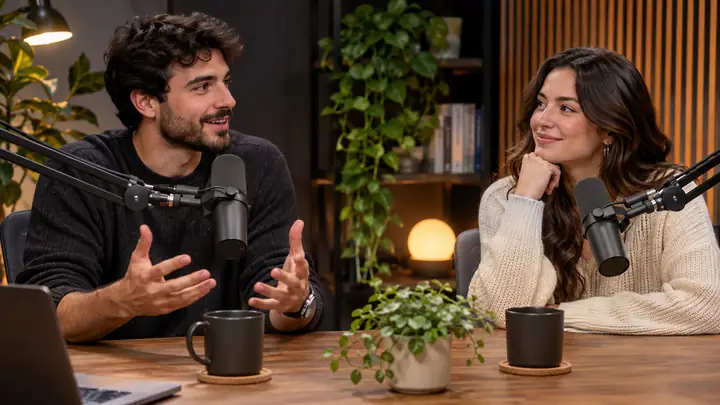
Original conversation · 16:9
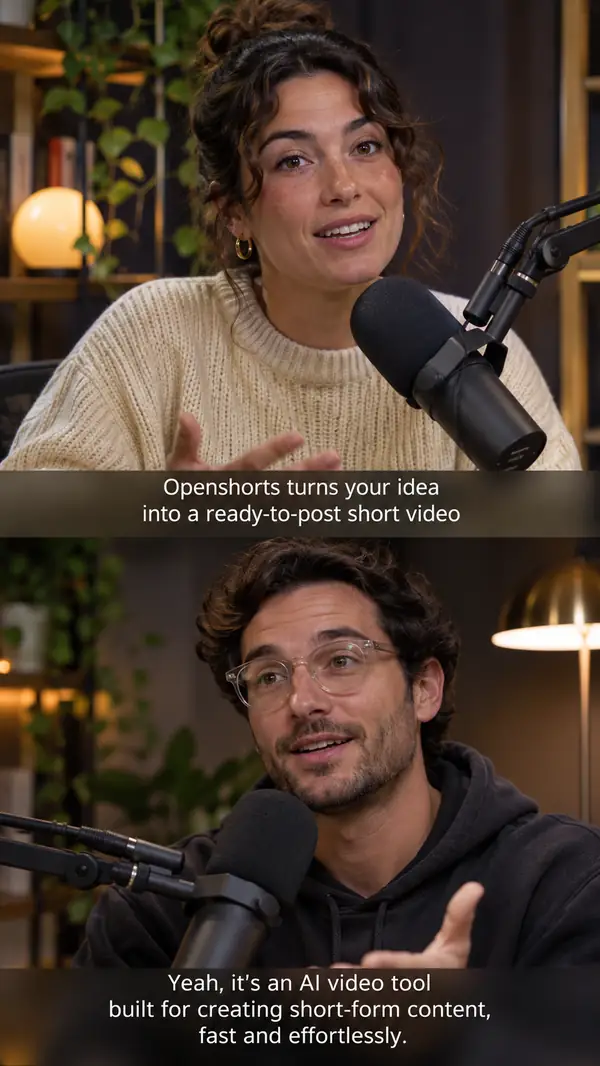
Find passages with a clear idea, a useful takeaway or a story worth sharing.
Consider how the subject and the important action fit in a phone-sized frame.
Give spoken words a readable on-screen counterpart.
Consider translation or dubbing when the audience speaks another language.
Open with the question, claim or detail that makes the clip matter.
Use visual treatment to support the moment rather than distract from it.
Bring a recording you own into your short-form workflow.
Review the setup and privacy implications of a hosted or self-managed workflow.
Pair a video with a title, description and thumbnail that explain it clearly.
Plan how finished clips will reach each channel.
Think about how clipping could fit into tools and automations you already use.
Explore short-form creative ideas beyond cuts from an existing recording.
Match the spoken message to the visual presentation of a video concept.
02 · One video, six clips
A single conversation can hold several moments with different stories to tell. Here is how one episode can become a collection of distinct short-form angles.
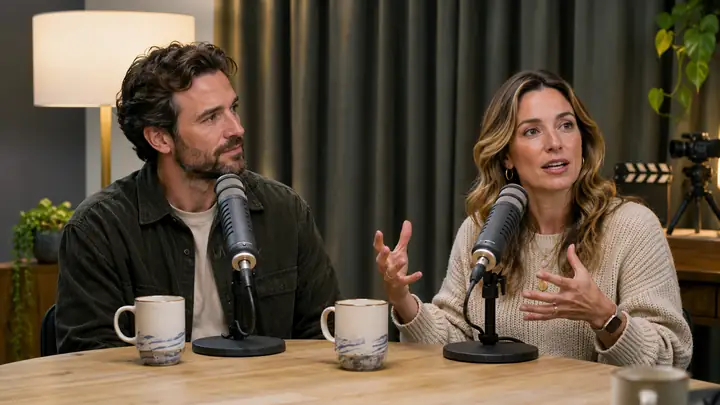
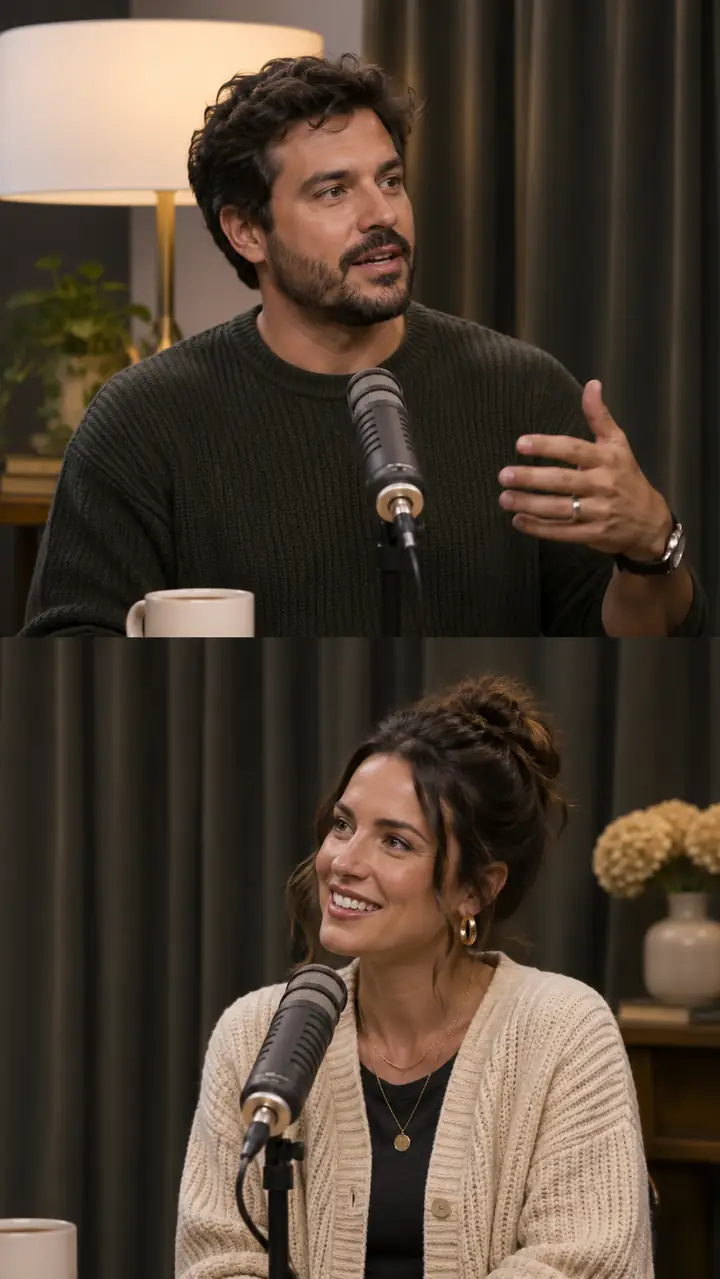


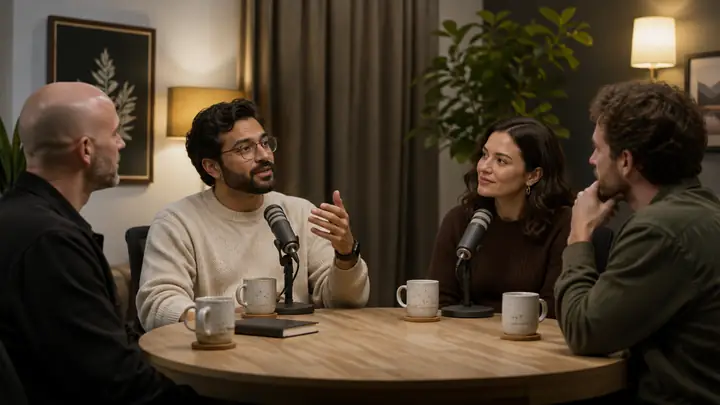


Illustrative source and clip previews from the referenced podcast example.
03 · Smart crop
A vertical short needs more than a narrow crop: the people, the action and the spoken words all need room to make sense.
Original · 16:9

A conversation with both speakers visible
Vertical · 9:16

Visual example of how a two-speaker conversation can be arranged for a phone screen.
04 · Pipeline
A practical way to think about the journey from a long-form recording to a focused short.
Begin with a podcast, webinar, stream, interview or another recording you have permission to use.
Look for complete ideas, surprising turns and passages that make sense without the full episode.
Keep the person speaking and any important on-screen action visible in 9:16.
Make the point clear from the first seconds and let viewers follow the words without sound.
Review the result and prepare it for the channels where your audience watches.
05 · Deploy
Compare a hosted creation flow with the responsibilities of running a video workflow on your own hardware.
A straightforward route when you want to focus on the video rather than maintaining an installation.
An option to investigate if control over your machine, setup and ongoing maintenance matters most.
06 · Choosing a workflow
Before choosing a video tool, compare its access, editing controls, output and publishing options. Confirm current terms on the creation platform.
01 · access
Bring one video or one idea.
02 · selection
Focus on the strongest moments.
03 · finishing
Shape the final short.
04 · distribution
Plan where the clip goes next.
A useful question before you commit
How do clips leave the editor? Check whether you can export a file, publish to the channels you use or schedule a finished short.
What happens to the next upload? If you post long videos regularly, review whether the same steps can be repeated or connected to your existing workflow.
What to confirm
Video length, rendering time, storage, exports, captions and publishing can vary by service and current offer. Read the platform’s terms before starting a project.
Specialized creation
Voice generation, dubbing and AI-actor videos may depend on separate services or costs. Check the requirements for the particular result you want.
07 · Comparison
Compare the capabilities that matter to your workflow rather than relying on a feature name alone. Availability and terms can change, so verify them with each provider.
| What to compare | openshorts | Opus Clip | Other editors |
|---|---|---|---|
| Starting terms | Check current offer | Check current offer | Check current offer |
| Moment selection | Review workflow | Review workflow | Review workflow |
| Vertical cropping | Check controls | Check controls | Check controls |
| Subtitles | Check styles | Check styles | Check styles |
| Voice dubbing | Check availability | Check availability | Check availability |
| Visual effects | Check options | Check options | Check options |
| Hook overlays | Check options | Check options | Check options |
| Privacy and hosting | Review terms | Review terms | Review terms |
| Watermarks | Check exports | Check exports | Check exports |
| Source availability | Verify source | Verify source | Verify source |
| YouTube thumbnails | Check toolkit | Check toolkit | Check toolkit |
| Titles and descriptions | Check toolkit | Check toolkit | Check toolkit |
| AI video generation | Check requirements | Check requirements | Check requirements |
| Actor and lip-sync tools | Check requirements | Check requirements | Check requirements |
| Usage limits | Read current terms | Read current terms | Read current terms |
08 · Use cases
Short-form ideas for creators, marketers and teams with more long-form footage than time to review it.
Find stand-alone ideas in videos you have already recorded.
Plan clips with different hooks and destinations for a busy content calendar.
Pull useful lessons and memorable exchanges out of longer episodes.
Turn demonstrations, conversations and useful answers into short-form concepts.
09 · Also included
Clipping an existing video is one route. Planning an original short or presenting a YouTube upload are useful adjacent tasks.
01 · AI shorts
Explore a short-form video idea when you are starting from a concept rather than cutting an existing recording.
02 · Studio
Give a longer upload its own presentation: a clear title, useful description and thumbnail concept.
10 · FAQ
The questions worth asking before you start a short-form video project.
Check the current offer and any limits on the creation platform before uploading a project.
Export conditions can differ by service and access level. Review them before you begin editing.
The creation platform will show its current access requirements when you continue.
That depends on the recording, the number of self-contained moments and the limits of the tool you choose.
Only use video you own or have permission to repurpose. A public link does not itself grant reuse rights.
This page explores a workflow for finding moments in long-form video, framing them vertically and preparing them as shorts.
Compare the source formats, clip selection, editing controls, exports and current terms that matter to your work.
Pick a complete moment, frame it for a phone, add readable captions and review the result in its intended format.
Check the creation platform for its current YouTube presentation tools and any associated conditions.
It is a generated video concept styled around a direct, person-led product message rather than a clip from an existing recording.
Review a platform’s permitted uses, rights and available creative options for your particular business.
Costs depend on the service, output and any third-party generation involved. Confirm the current total before creating.
A strong candidate has enough context to stand alone and quickly gives the viewer a reason to keep watching.
Check language availability, voice options and any separate service requirements on the platform you use.
It aims to keep the important speaker or action visible while adapting a wider recording to a narrow frame.
If self-hosting matters, verify the source, license, dependencies and maintenance needs of the software you intend to run.
Review the available integrations and how they handle your videos and publishing permissions.
Requirements depend on video length, rendering choices and the models involved; consult the documentation for the exact installation.
11 · Self-hosting
API services
A self-managed workflow may need model access, speech services and publishing connections. Check each provider’s current terms and requirements.
Review model access and limits for transcript and scene analysis.
Check transcription, translation and voice requirements.
Confirm permissions and limits for connected social channels.
Bring a long recording or a new idea. Continue to the creation platform to see the tools and current terms available to you.
Start creating